Principals can run Staff Reports to see professional development data connected to the staff associated with their school.
Note: Imported and outside credit requests are not included in these reports.
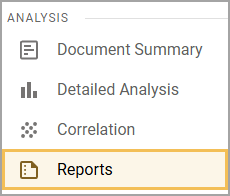
You can access Reports from the main menu.
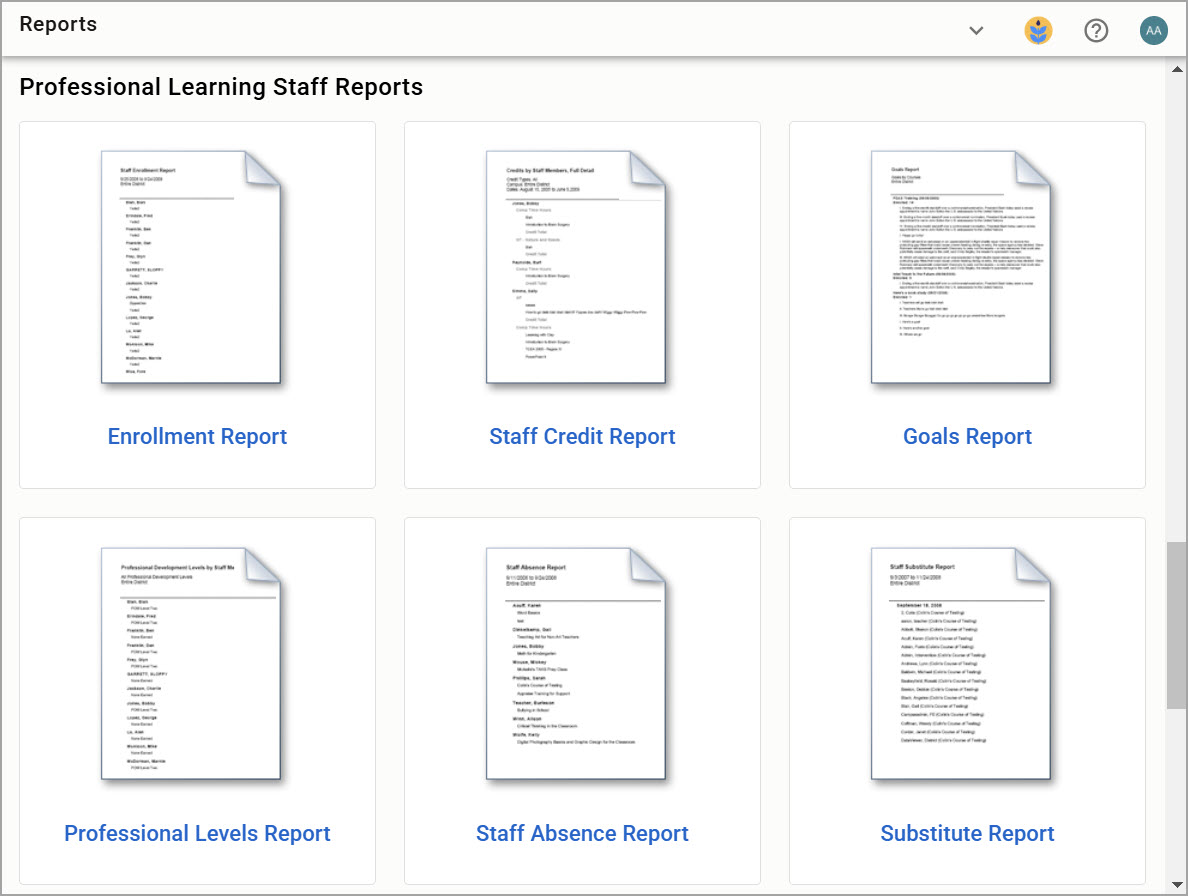
Then, click on the report name or thumbnail to set parameters and run the report.
Staff Enrollment Report
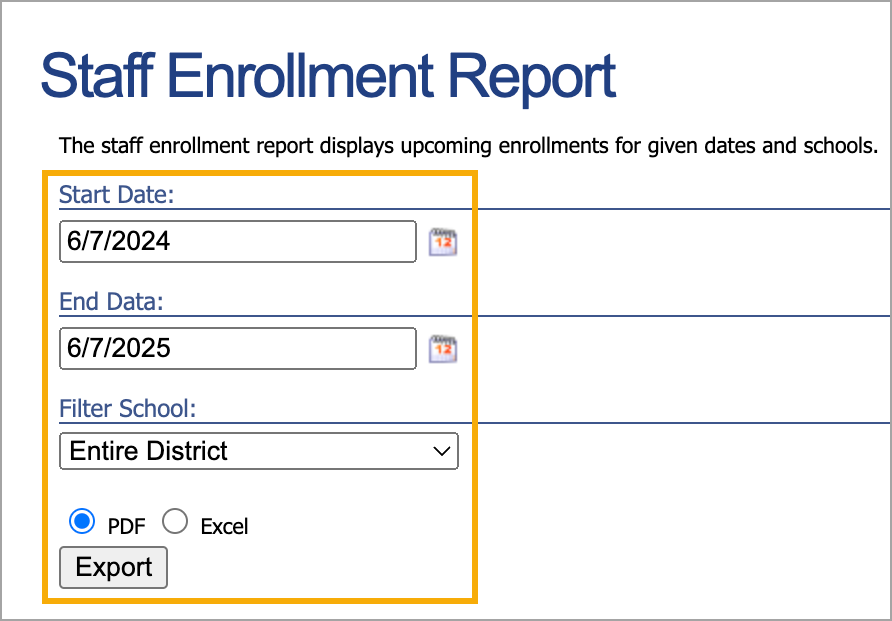
The Staff Enrollment Report displays upcoming enrollments for given dates and schools. You can export the report as a PDF file or XLS spreadsheet.
Note: When using Digital Sign-in, attendees are not considered to be enrolled until they sign in using the QR code. For this reason, they do not show up in the Staff Enrollment Report. If you are using Digital Sign-in, use the Custom Professional Development Report to view attendees who joined with Digital Sign-in.
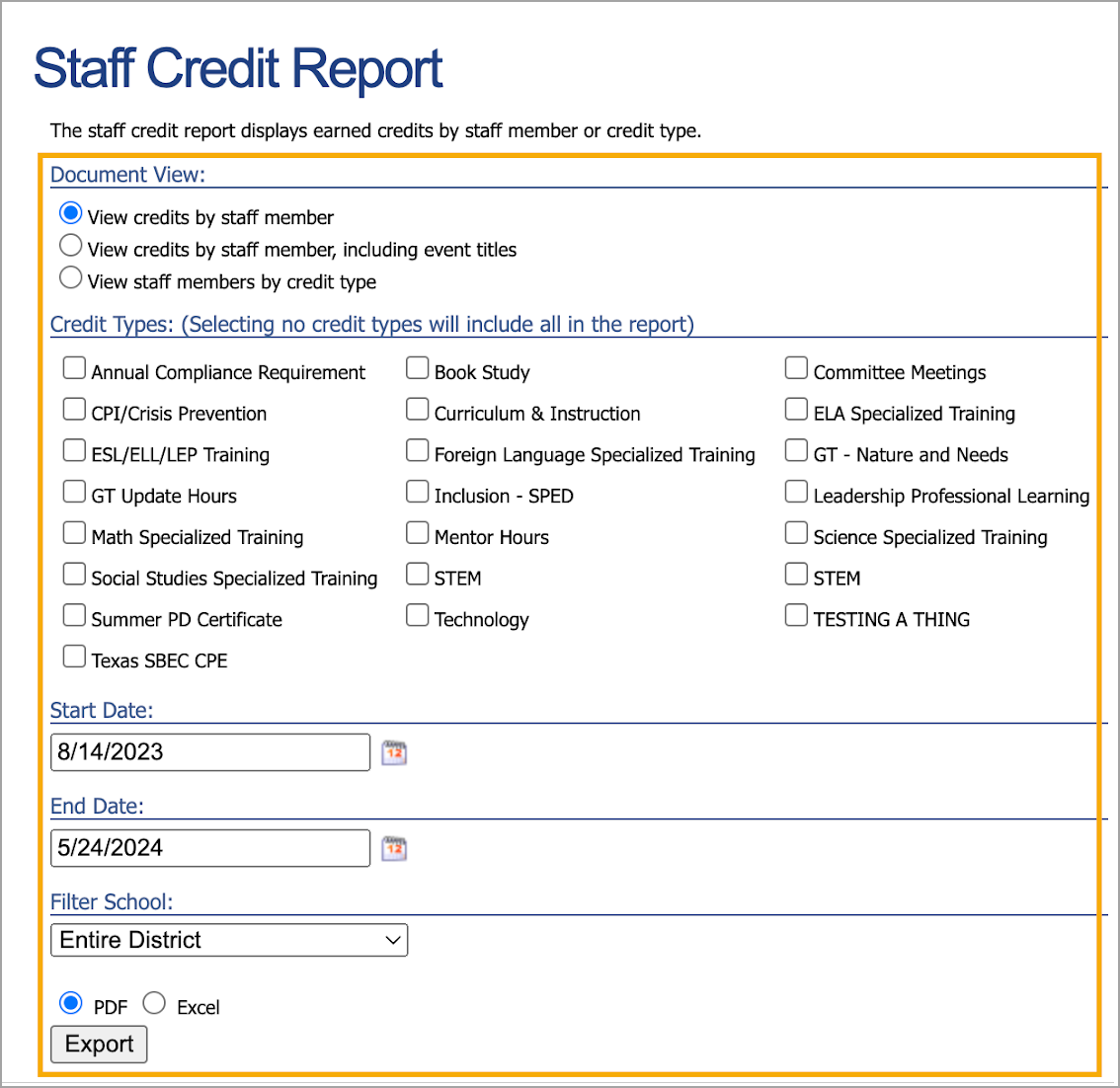
Staff Credit Report
The Staff Credit Report displays earned credits by staff member name or credit type. You can export the report as a PDF file or XLS spreadsheet.
Best Practice: Advise staff members to add “OCR” to the title of their request when submitting an outside credit request. Adding a clear designation to the title makes these types of requests easier to identify in the report.
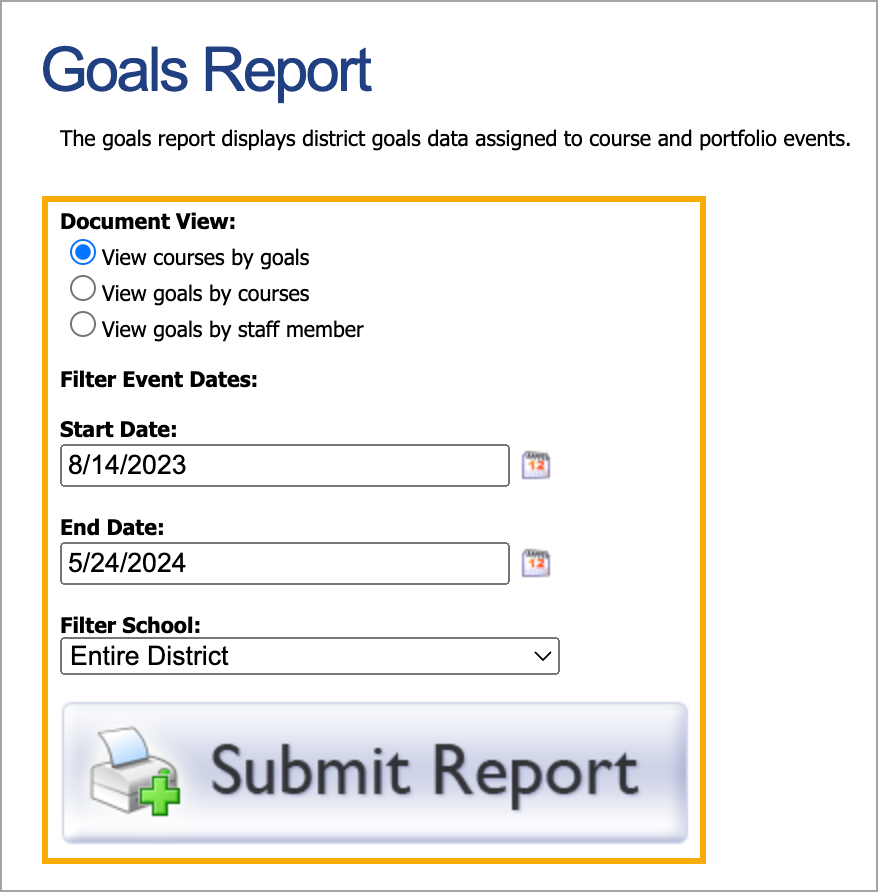
Goals Report
The Goals Report displays district goals data assigned to course and portfolio events. You can generate the report as a downloadable PDF file.
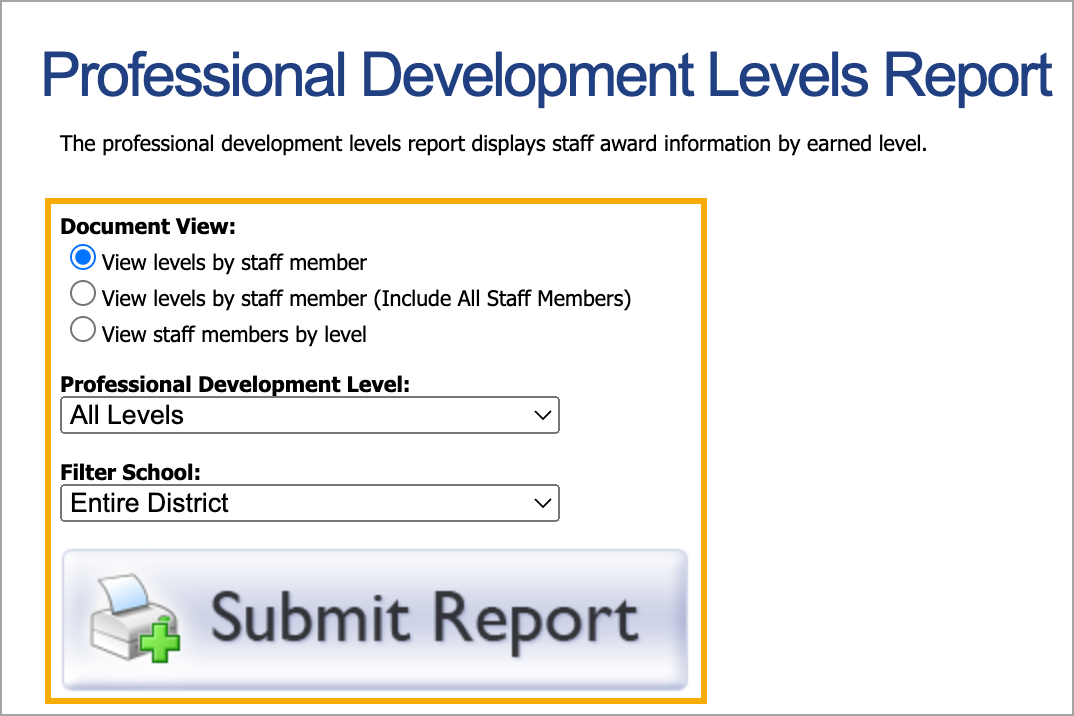
Professional Development Levels Report
The Professional Development Levels Report displays the PD levels earned by staff members. You can generate the report as a downloadable PDF file.
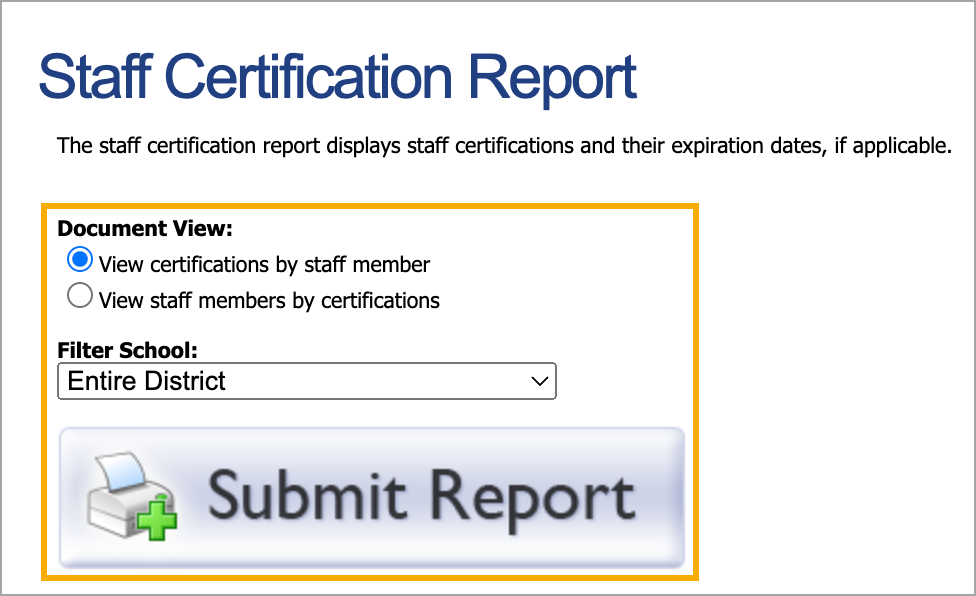
Staff Certification Report (Texas Only)
The Staff Certification Report displays staff certifications and, when applicable, their expiration dates. You can generate the report as a downloadable PDF file.
Note: Certifications must be entered and updated by individual staff members.
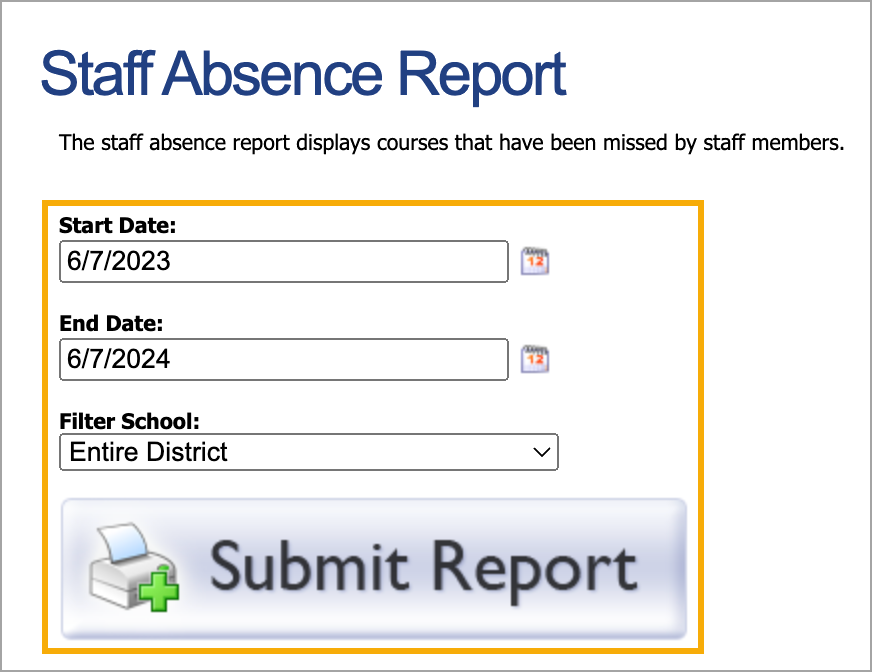
Staff Absence Report
The Staff Absence Report displays a list of absences for each staff member within a given time period. You can generate the report as a downloadable PDF file.
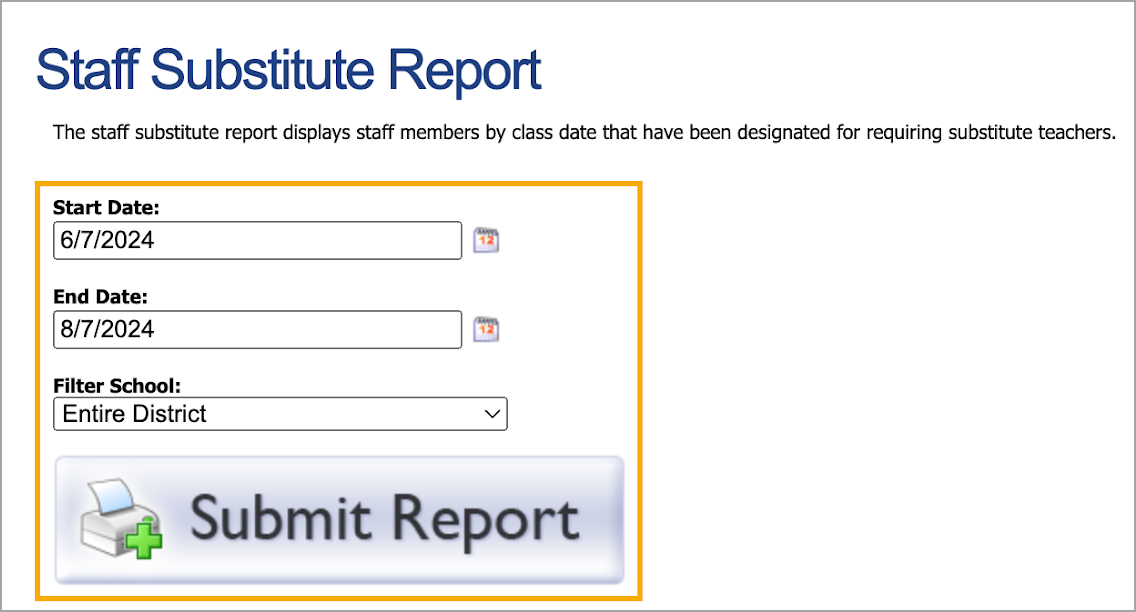
Staff Substitute Report
The Staff Substitute Report displays registered staff members and course dates designated as requiring a substitute teacher. You can generate the report as a downloadable PDF file.