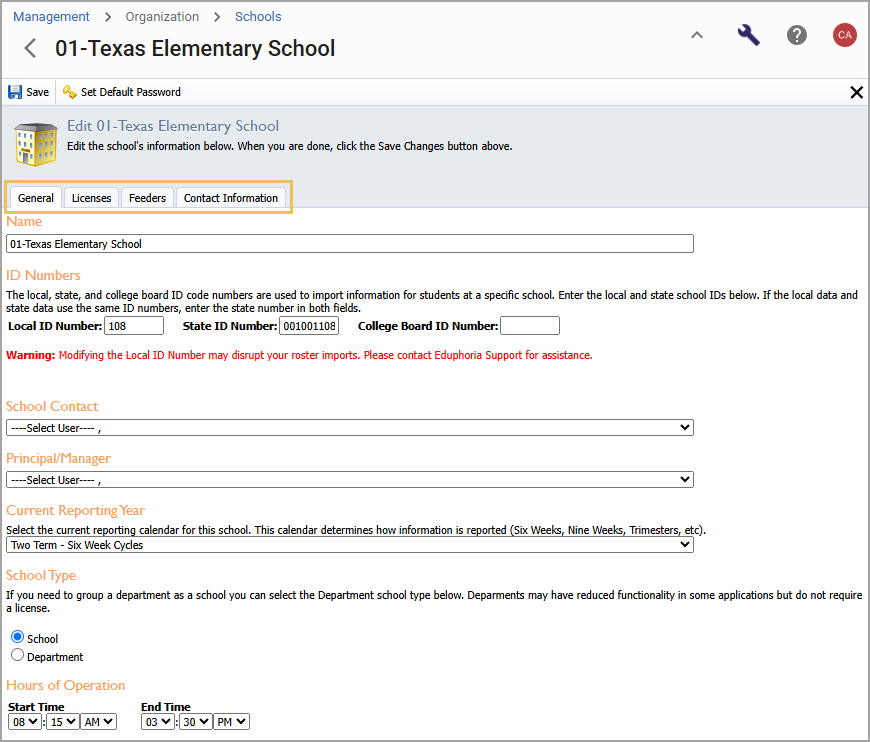
Configure school details on the Schools screen of Management.
.png)
When you select a school from the list, details appear in four tabs:
General – Access general information, including the school’s name, main point of contact, principal, reporting year, and hours of operation. Available users you can select for school contact and principal/manager are those with accounts listed for that school or department.
Licenses – View which applications the school is licensed to use.
Feeders – Select the schools that feed into the school that you are viewing. For example, if students from three different elementary schools attend a middle school, you can select the middle school from the Schools list and reference this tab to see the list of feeder schools.
Contact Information – Enter the school’s address and phone numbers.