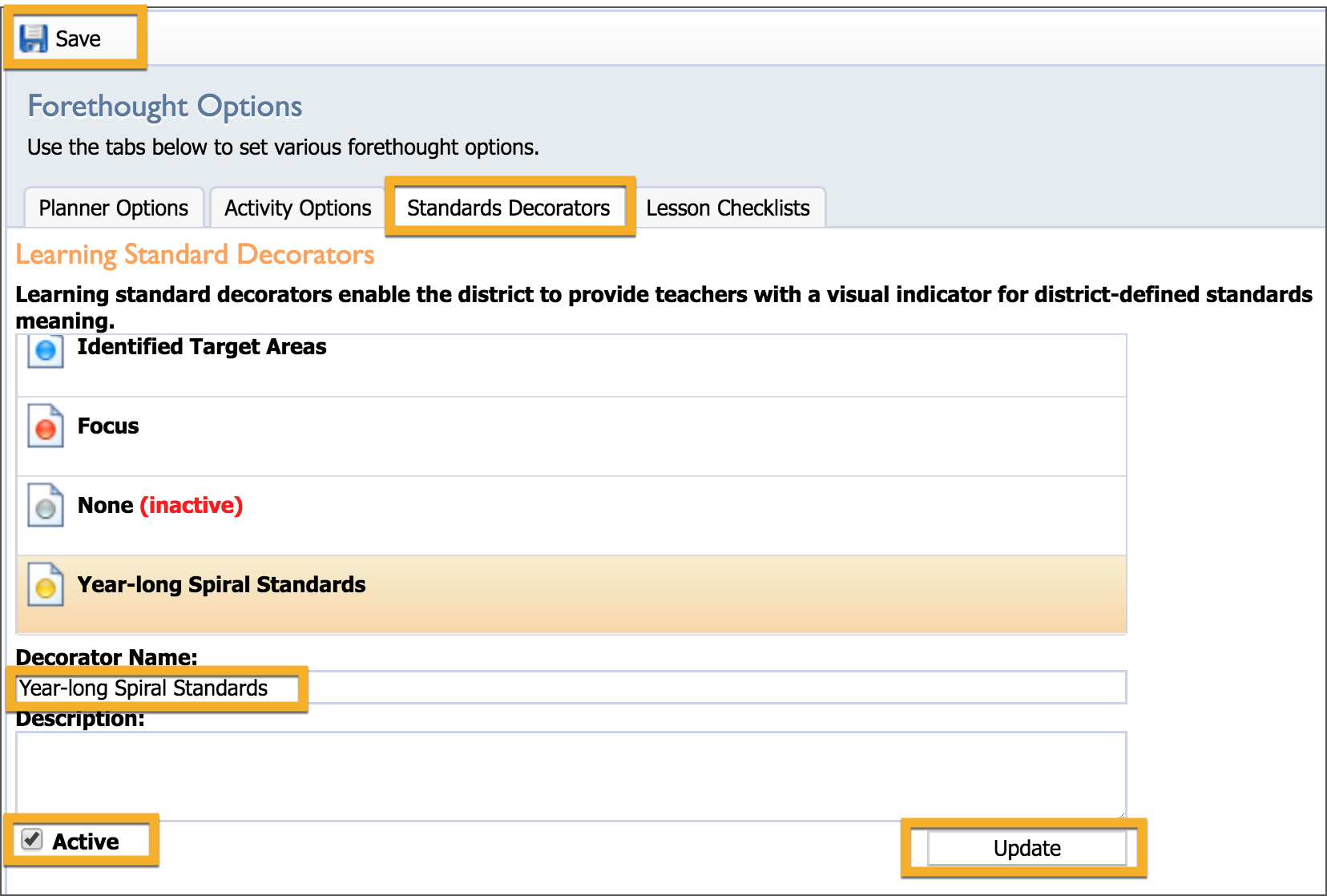
Learning standard decorators enable the district to provide teachers with a visual indicator for district-defined standards meaning. There are five separate colors (green, blue, red, gray, and yellow) that can be set to a learning standard. These decorators are district-wide and can be used in all courses.
To access the Standards Decorators, on the Manage tab, select Forethought Options and then select the Standards Decorators tab.
Standard Decorators Tab
To enable a decorator, select the color choice and then the Active checkbox. If desired, give the decorator a name and a description. The name and description appear to teachers when they hover over the decorator in their lesson plans.