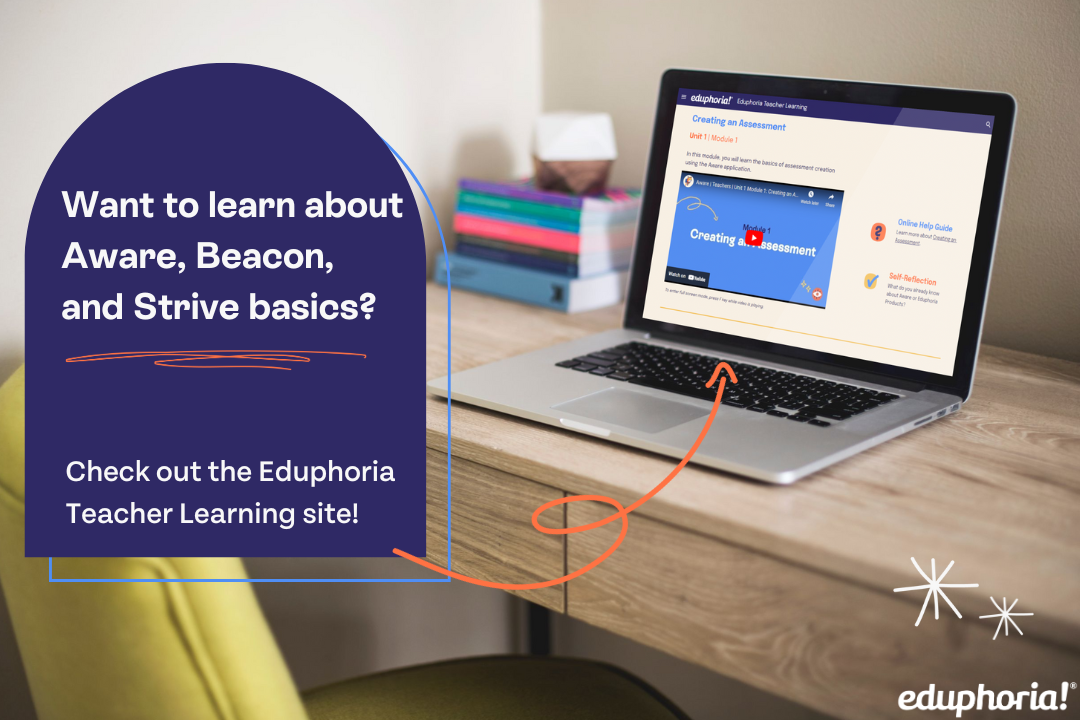
Are you a teacher looking to enhance your use of Aware, Beacon, or Strive? If so, Eduphoria’s Professional Learning and Coaching team can help!
We offer the Eduphoria Educator Experience as an on-demand, comprehensive curriculum built to support educators. You will have access to:
Short how-to videos and tutorials aligned to high-value tasks
Quick access to targeted knowledge base articles
Opportunities for self-reflection

Through this course, each participant will navigate and engage with various parts of Aware to successfully apply software and pedagogical best practices in Assessing Students, Data Analysis, and Student Monitoring.
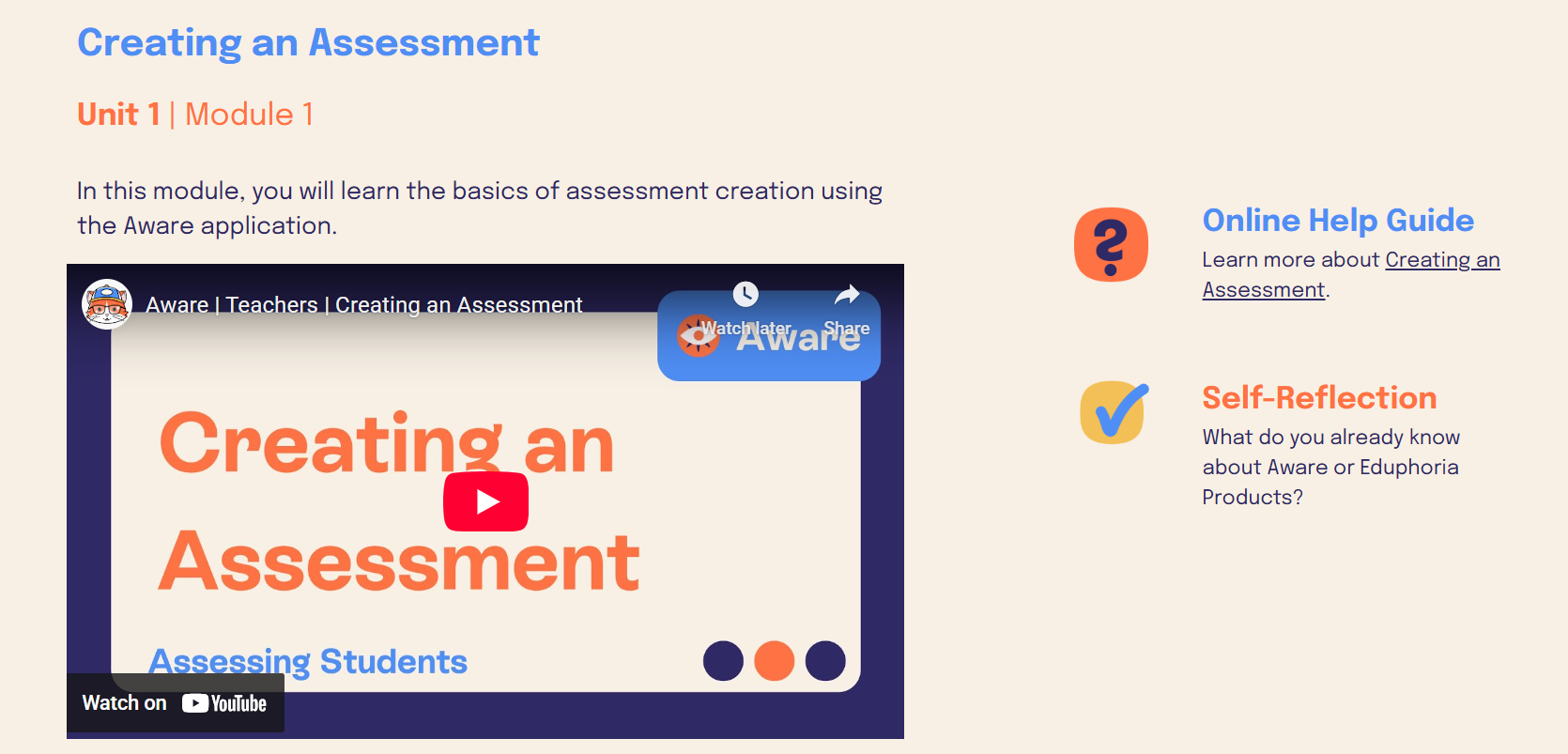
The Aware Digital Learning course will guide you through:
Authoring an assessment (A.A.1)
Adjusting test settings for administrative purposes (A.A.2)
Proctoring and scoring an assessment (A.A.3)
Managing student supports for online assessments (A.A.5)
Analyzing assessment data without using editing controls to modify the view (A.D.1)
Applying powerful analytic lenses to examine data (A.D.2)
Measuring student growth over the course of a school year (A.S.4)

Through this course, each participant will navigate and engage with various parts of Strive to successfully apply both software and pedagogical best practices with Goals, Evaluation Processes, and Professional Learning.
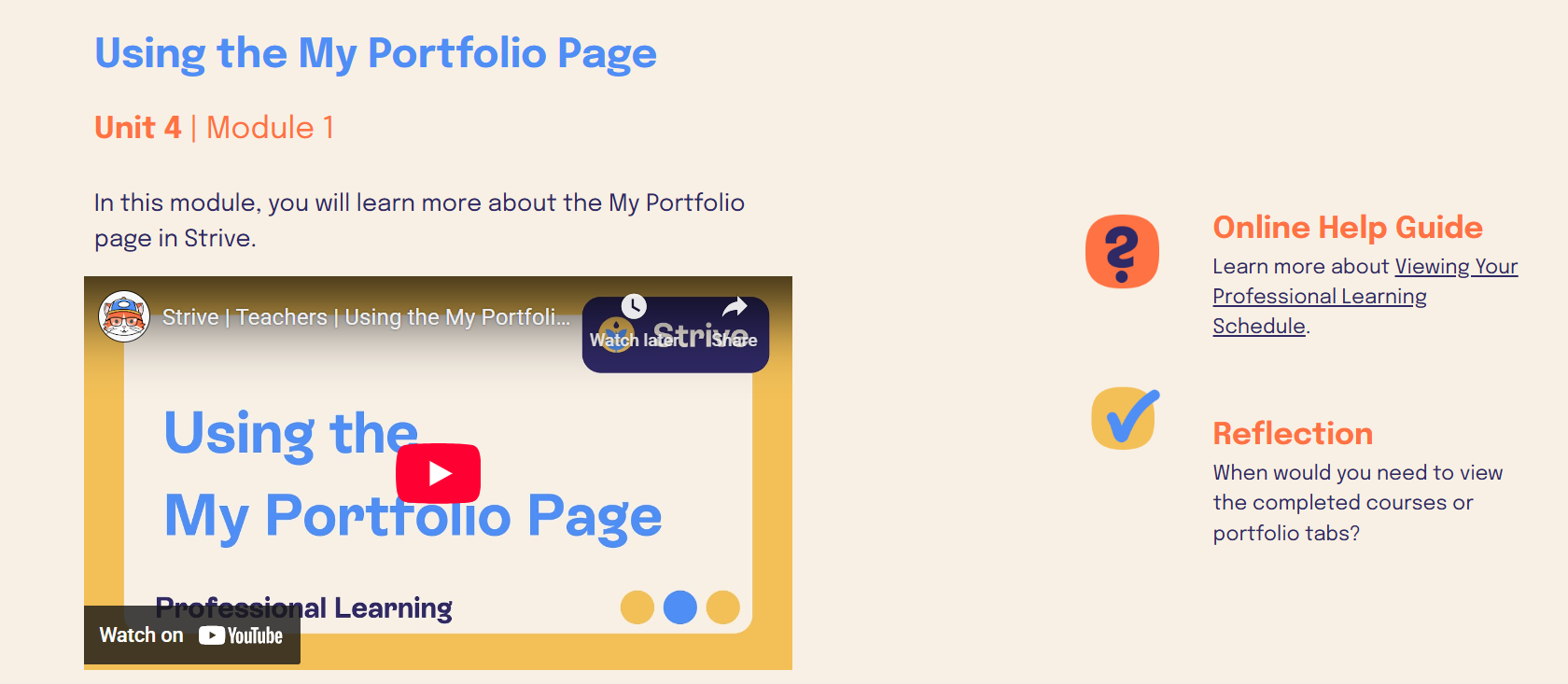
The Strive Digital Learning course will guide you through:
Writing measurable, adaptable professional goals (S.G.1)
Developing a measurable student growth goal to capture evidence of student growth (S.G.2)
Engaging in targeted professional learning opportunities to support goal attainment (S.P.1)
Navigating the evaluation process by completing required elements, finding feedback from my appraiser, and using that feedback for my own growth (S.E.1)
.png)
Through this course, each participant will navigate and engage with various parts of Beacon to successfully apply both software and pedagogical best practices with Lesson Planning and Curriculum Management.
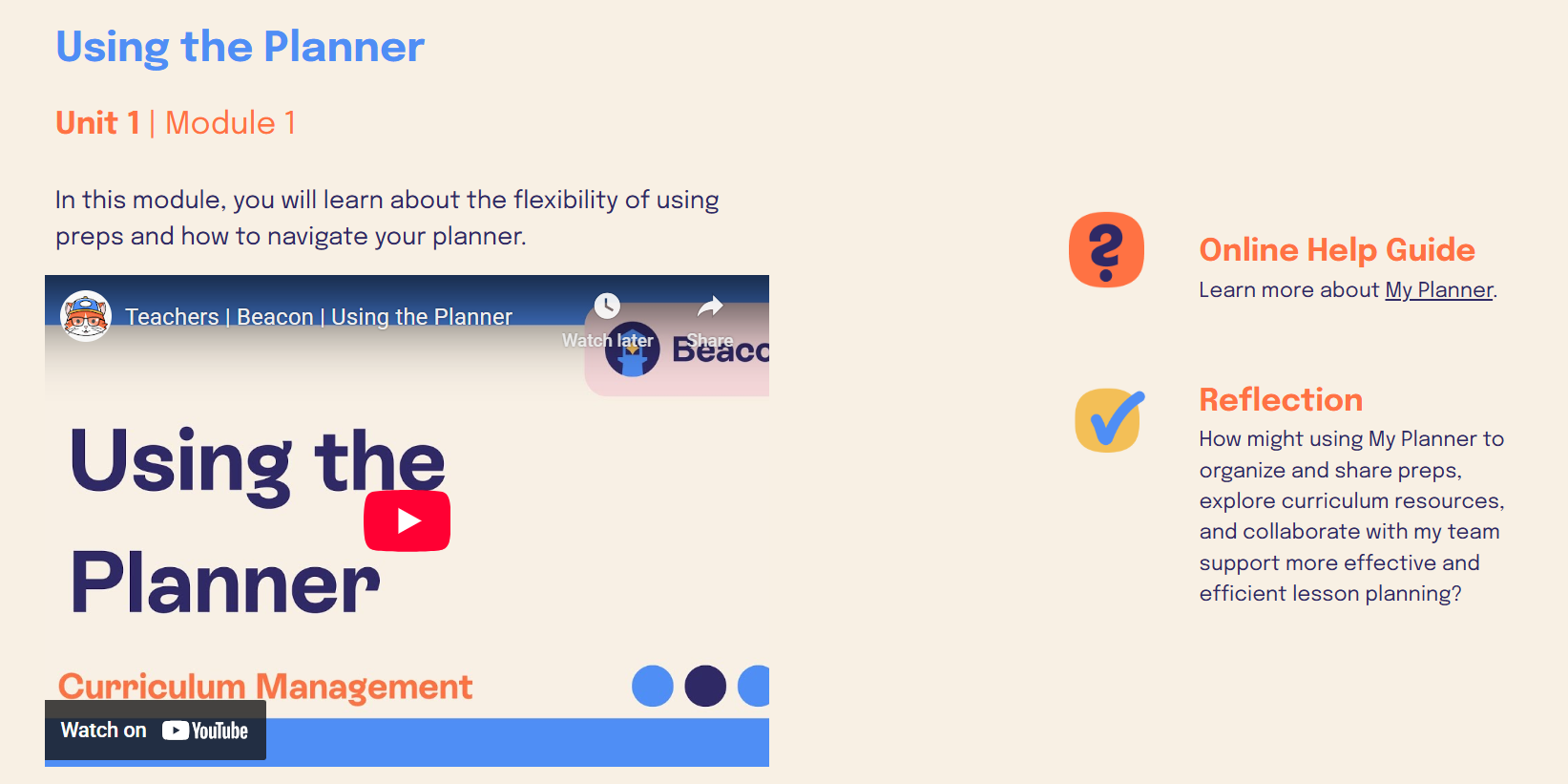
The Beacon Digital Learning course will guide you through:
Customizing your daily lesson planner (B.P.1)
Sharing curriculum components within the district (B.P.3)
Connecting Beacon with Aware for assessment administration (B.P.4)