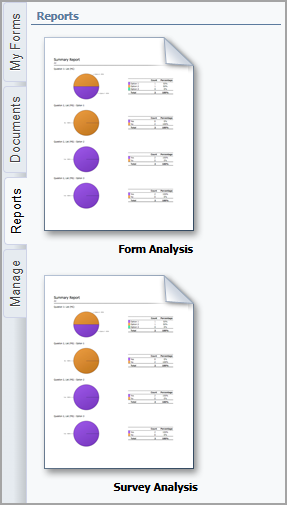
The Reports tab in Formspace allows users with the necessary rights to analyze form activity and extract actionable insights from submitted data. Designed for clarity and efficiency, this screen allows users to quickly assess performance, monitor submission trends, and generate structured outputs for further use. By offering focused reporting options, Formspace ensures that both high-level metrics and detailed data views are easily accessible without unnecessary complexity. Formspace currently offers two types of reports:
Form Analysis – Displays results for a selected form by giving a count and percentage for each question. The information is also shown in a pie chart.
Survey Analysis – Displays results for a selected survey by giving a count and percentage for each question. The information is also displayed in a pie chart.