Aware offers a basic calculator and is further powered by four Desmos Calculators and five Texas Instruments (TI) Calculators. Teachers can enable calculator support for students in the Online tab of the assessment. Learn more about enabling and managing additional student supports.
Note: The Enable calculator setting gives all students access to the selected calculator. To ensure the basic calculator is available only to students who need it as a support, select the button next to Desmos Four Function Calculator before disabling the calculator as a whole. Disabling the calculator in these test settings removes the calculator support for all students except those who have already been assigned that support.
Test authors can select up to two calculators to use in an assessment, with a limit of one calculator per vendor. For example, you cannot pick two Desmos calculators or two TI calculators, but you can pick one of each for a total of two calculators.
.png)
If two calculators are selected, students see the option to select a calculator when clicking the calculator icon in the online testing interface. If only one calculator is selected, then students do not see the option to choose a calculator, and the calculator chosen by the test author appears by default.
.png)
Desmos Four Function Calculator

Desmos Scientific Calculator
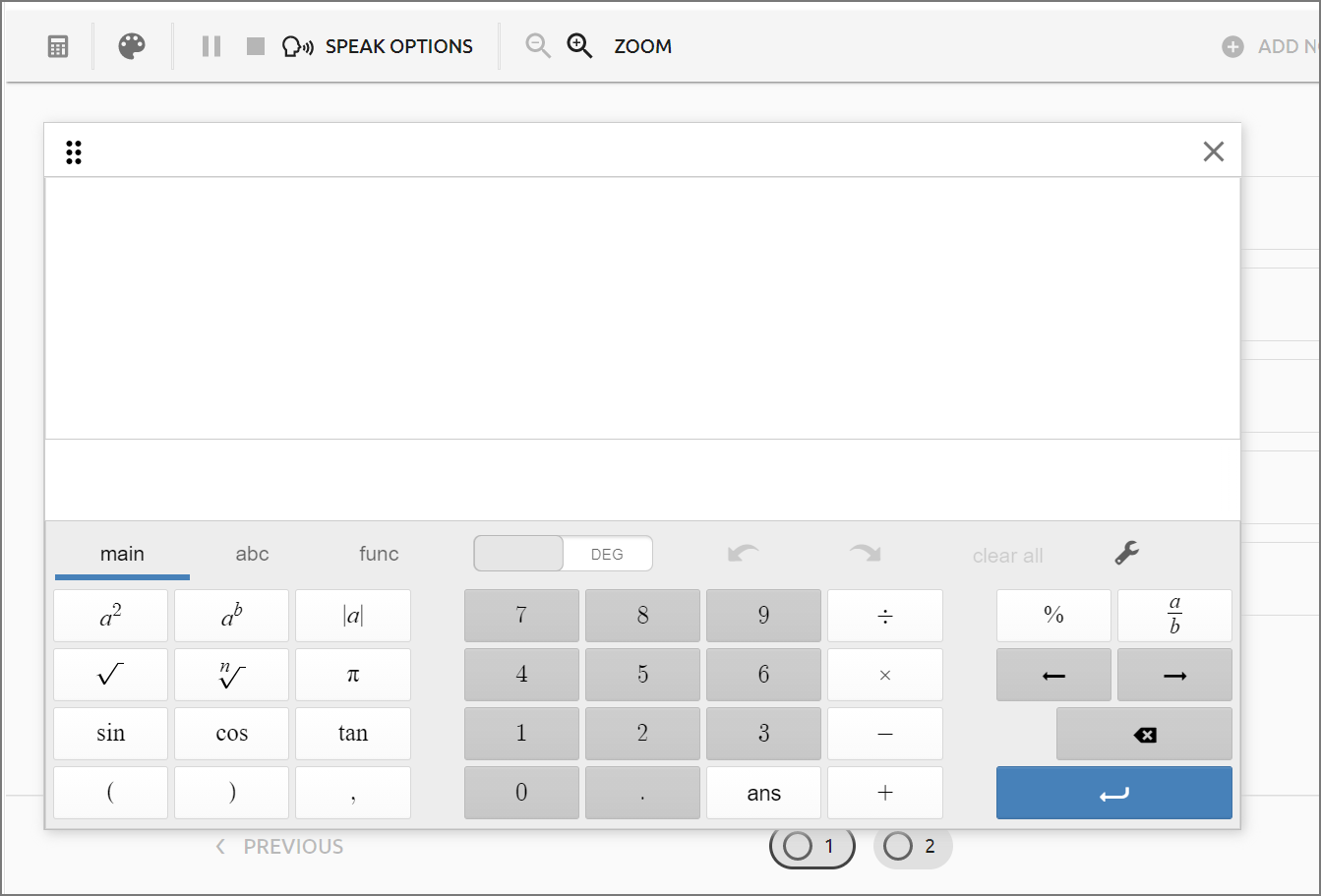
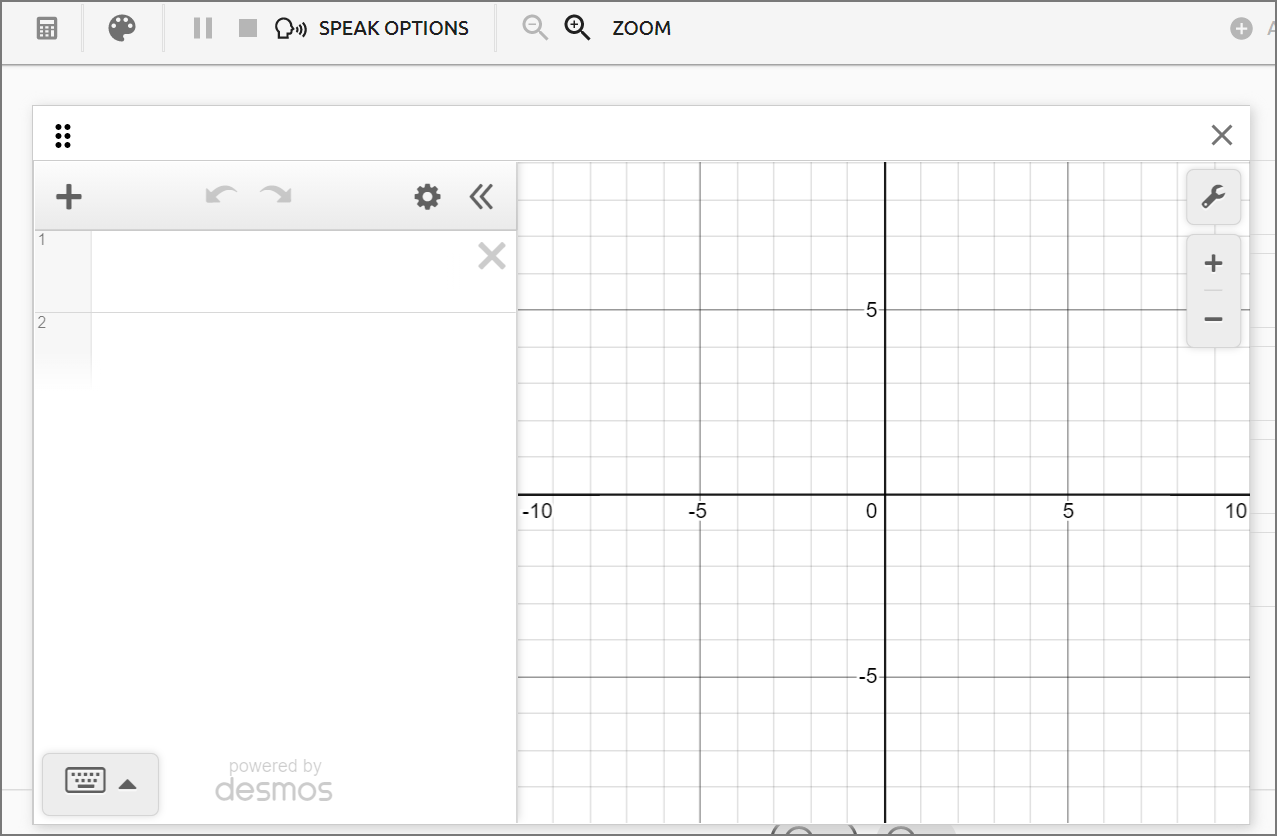
Desmos Graphing Calculator
Two types of Desmos Graphing Calculators are available for online testing. One is a fully functioning graphing calculator, and the other has built in limitations to be a STAAR-compliant graphing calculator.
For more information about the Desmos calculator, visit these resources:
Desmos and related trademarks are property of Desmos Studio PBC.
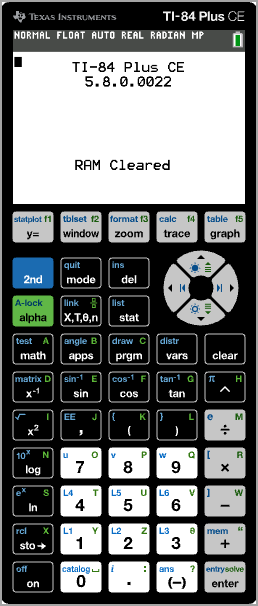
TI-84 Plus CE (graphing) and TI-84 Plus (graphing)
The TI-84 Plus and TI-84 Plus CE provide very similar features. However, the CE provides Color Enhancement. Both TI-84 options provide all of the functions your students are used to having with the physical calculator. Provide the version your students are most familiar with.
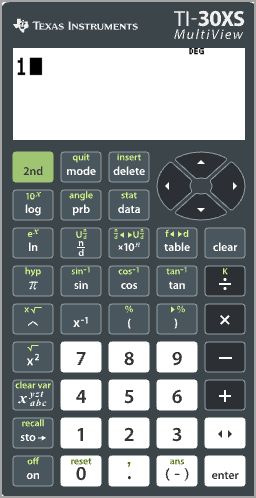
TI-30XS MultiviewTM (scientific)
Designed for advanced scientific calculations, the TI-30XS includes calculus and engineering notation.
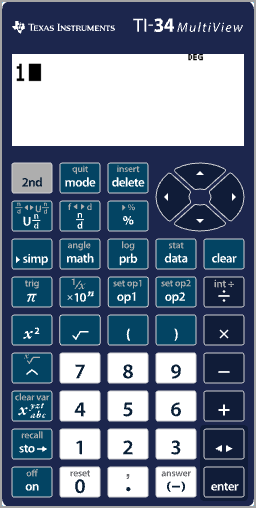
TI-34 MultiviewTM (scientific)
This option is suitable for middle school and high school math and science courses.
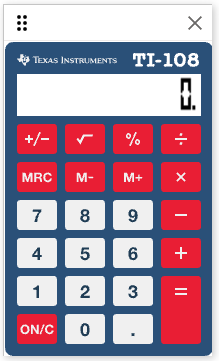
TI-108 (four function)
This is the basic four function calculator.
For more information about TI Calculators, visit these resources:
If a calculator does not load correctly in the assessment, contact Eduphoria Support at support@eduphoria.net. For assistance with functionality issues, contact Desmos Support at support@desmos.com.