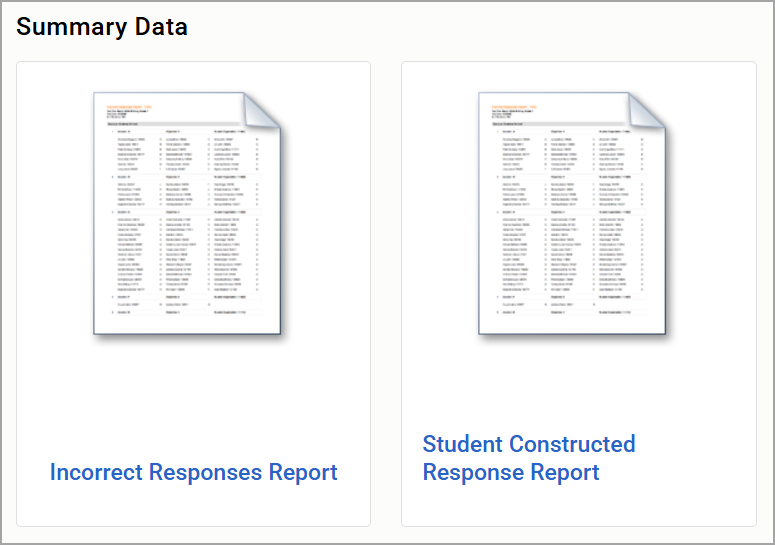
The Reports screen in the Analysis section of Aware provides access to a variety of prebuilt and customizable reports designed to help educators interpret assessment and student performance data. This screen serves as a centralized hub for generating data summaries, comparisons, and detailed breakdowns across multiple assessments, student groups, and performance indicators.
Users in the state of Texas might also see the At-Risk 110% report, EOC Test Tracker, and Student Forms Status Report. To learn more about Texas reports, see Reports (for Texas Districts).
Accessing Analysis Reports
To access your reports, select Reports from the Analysis section of the main menu.
.png)
The reports screen populates a list of reports you can run based on your user type. Examples of a teacher view and an administrator view are below.
Teacher Reports
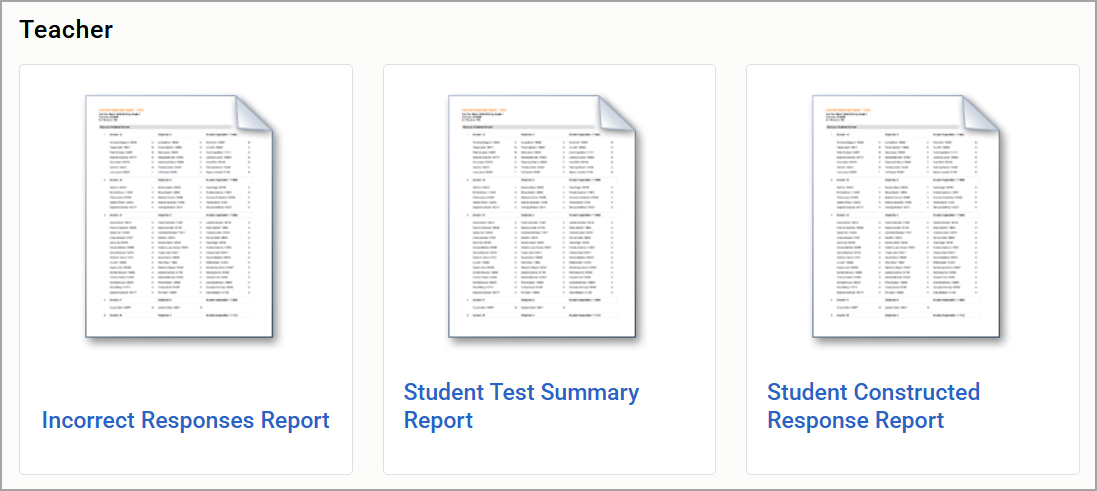
Teachers may have access to the following analysis reports.
Teacher Reports
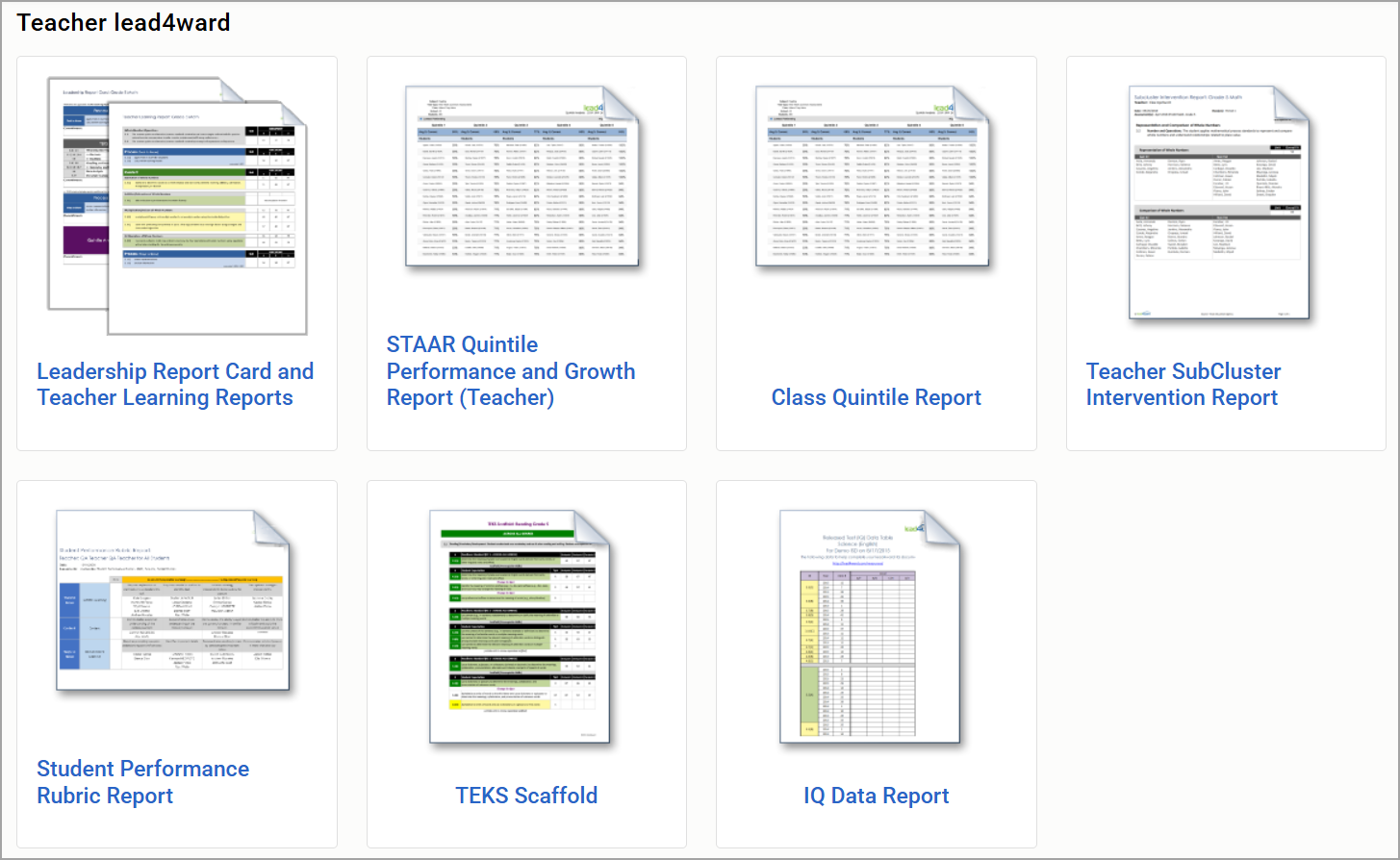
Teacher lead4ward Reports
Administrator Reports
Users with administrative rights may have access to the following analysis reports.
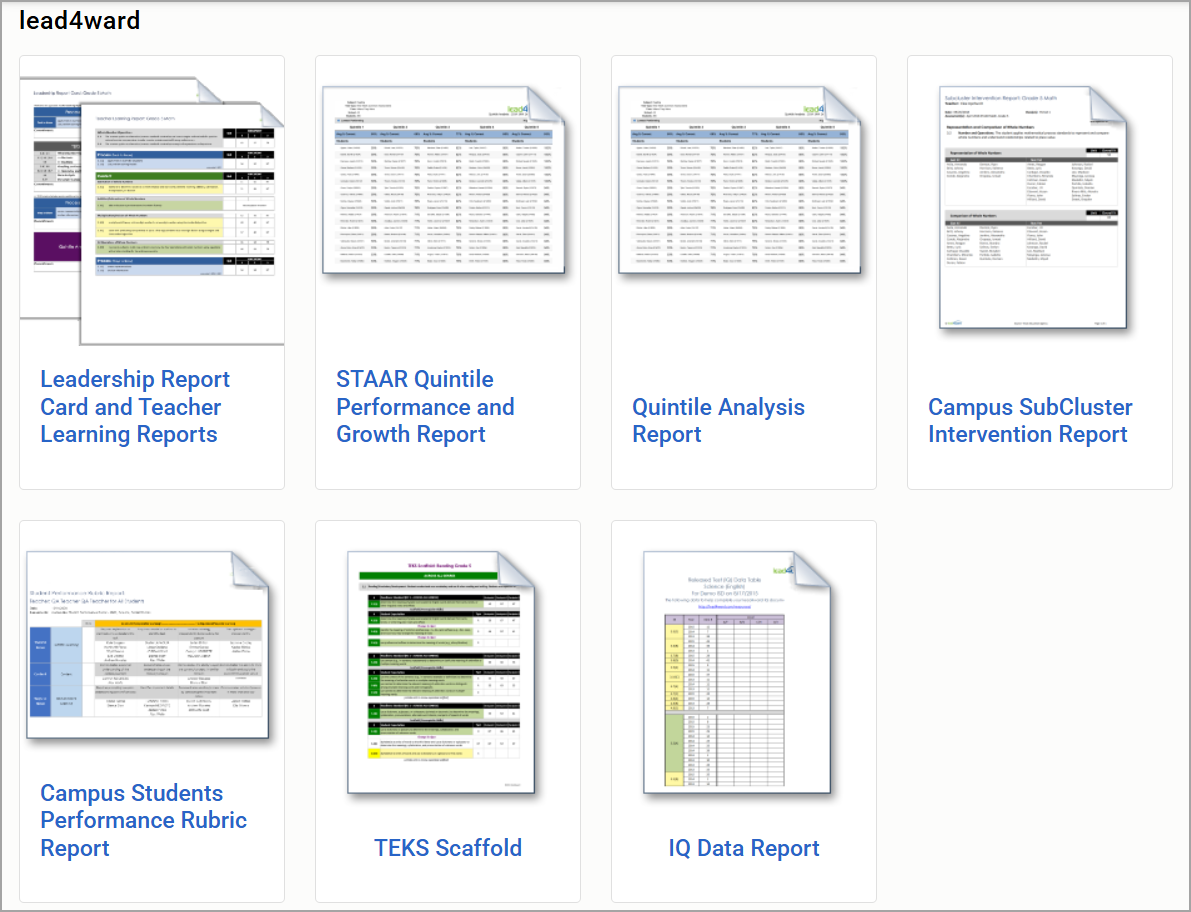
lead4ward Reports
Summary Data Reports