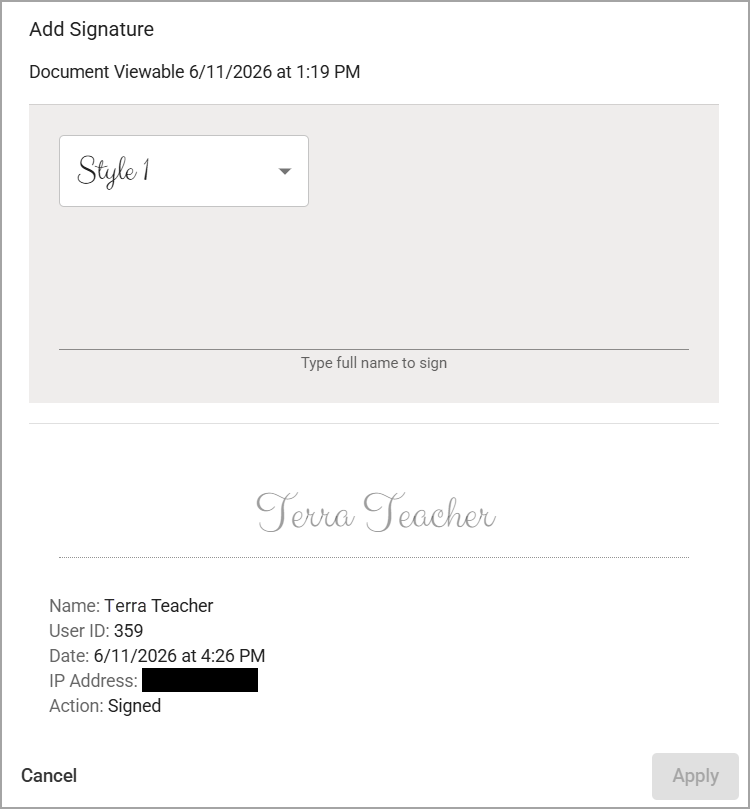
An evaluator and their assigned educator can edit documents even after clicking Let Staff View () until both parties complete their signatures. Let Staff View () changes to Sign () upon clicking. An educator must sign first before the evaluator can sign. However, Eduphoria recommends that both parties wait to sign until they review the document together at the end-of-year conference and decide no further changes are needed.
An evaluator can continue editing the document’s information and evaluation details before signing.
.png)
Warning: Once both parties have signed, even if one submits an acknowledgment refusing to sign, the document cannot be unsigned or edited again. It is considered a sealed document.
If users need to make additional edits to a sealed document, they must recreate it as a new document and delete or remove the signed document. Only users with the Appraisal Administrator role can remove documents.
However, you can select Sign () to see whether the educator has signed and needs to remove their signature.
.png)
Only the educator who signed can remove their own signature. Be sure to communicate with the relevant staff member to remove their signature while the evaluator’s signature remains pending.