.png)
Teachers have the option to give a final rating at the end of the semester or year for each student in Student Portfolios in Aware. The Student Growth column will appear in any portfolio that has at least one milestone.
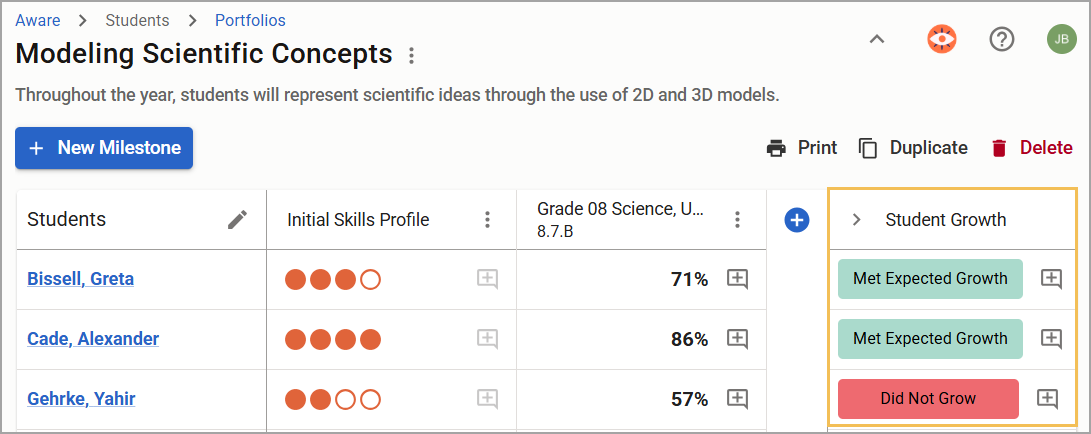
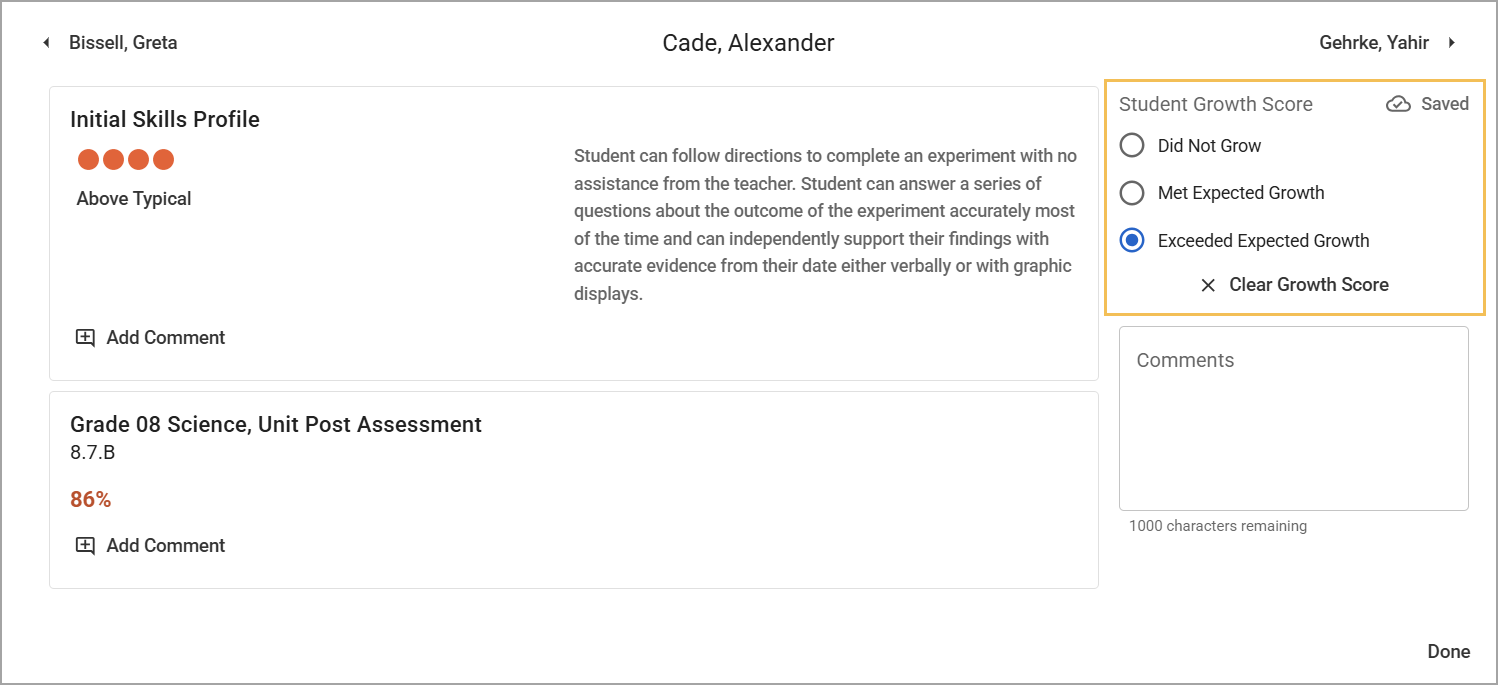
District Aware managers can edit the assessment text fields to suit your district’s needs. The user can view the rubric of the Student Growth Score along with other milestones when the user is in the individual student’s grading view.
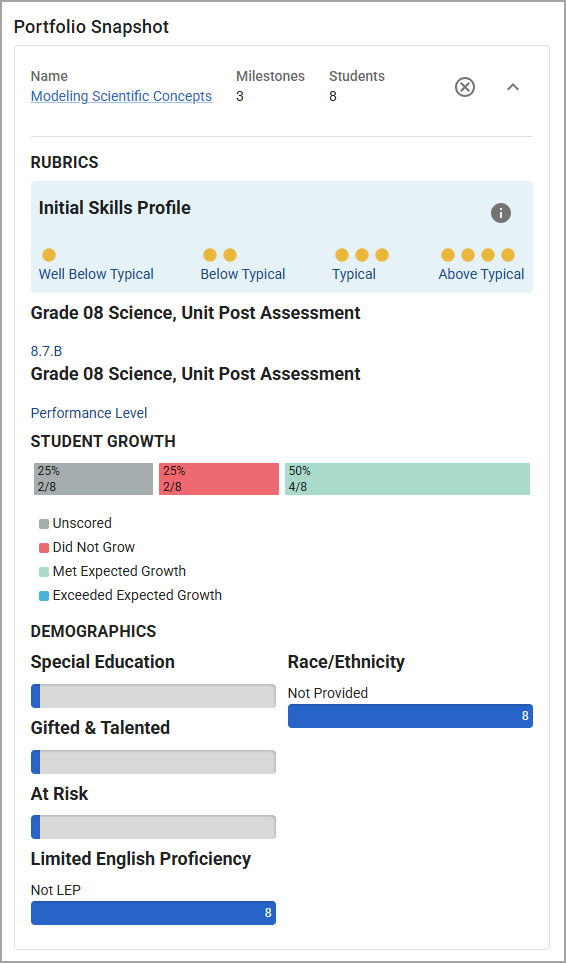
Student Growth ratings display in the portfolio snapshot view in Strive when you expand the summary on the student growth goal to which it is attached.
Note: The bar displayed below only appears once the teacher enters scores, so you will likely see the grey Unscored bar until scores are entered at the end of the year.
Exporting Student Growth Goal Data
This student growth goal data is included on the Goal Details Spreadsheet Report available through Strive reporting.