The Analysis section of Strive provides users with tools to examine data, identify trends, and evaluate usage across the platform. This section is focused on turning collected data into actionable insights, supporting informed decision-making at the school- and district-level. Together, these screens make the central hub for exploring data in Strive, helping users move beyond data collection to meaningful interpretation and strategic planning.
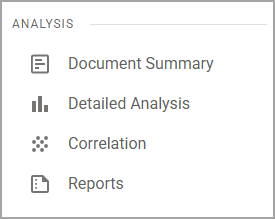
Screens in Analysis
Screen | Description | Access |
|---|---|---|
Document Summary () | Offers a high-level overview of evaluation and walkthrough documents, helping users quickly understand trends and analyze coaching needs. |
|
Detailed Analysis () | Allows users to dig deeper into specific data points, filtering and breaking down information to better understand performance, trends, and patterns. |
|
Correlation () | Enables users to compare different data sets to identify trends and possible skew in the correlation of teacher performance and student growth data. |
|
Reports () | Provides access to predefined and customizable reports, making it easy to generate, export, and share various breakdowns of data. |
|