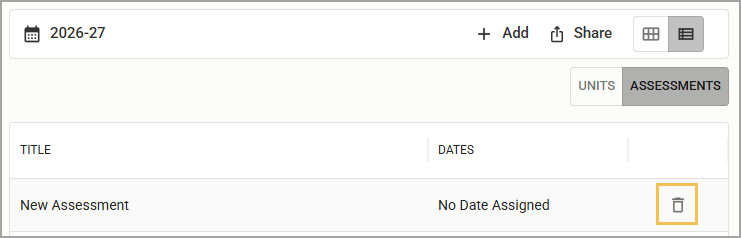
If you need to remove an assessment window from a course, you can delete the assessment window from the List view of the course hub.
Caution: This action is permanent. If you mistakenly delete assessment window, you will need to add it back manually.
Quick Guide
From the List course view (), select the Assessments tab.
Select the Delete icon () in the row for the assessment window you want to delete.
Illustrated Guide
Step 1: From the List course view (), select the Assessments tab.
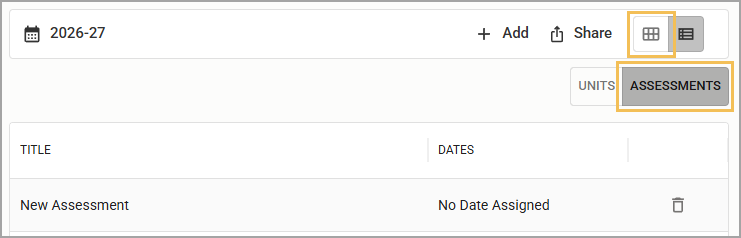
Step 2: Select the Delete icon () in the row for the assessment window you want to delete. The assessment window is permanently deleted from the course schedule.