The Library section of Beacon is designed to help users build, organize, and maintain curriculum components. This section serves as the foundation for instructional planning by allowing users to create and manage reusable curriculum components.
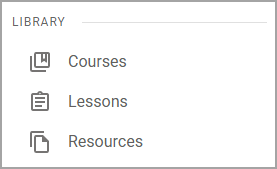
It includes three key screens:
Courses – Used to organize curriculum at a high level. Users can create and manage courses that define the structure for instruction, including associated standards and pacing.
Lessons – Allows users to build and manage individual lesson components. These can be aligned to courses and reused across different planners.
Resources – Provides a place to store and organize instructional materials such as documents, links, and other supporting content that can be attached to lessons or planners.
Together, these screens make the Library section the central hub for developing and managing curriculum components, ensuring consistency and efficiency in lesson planning across classrooms and teams.
Screens in Library
Screen | Description | Access |
|---|---|---|
Courses () | The Courses screen lists your courses, any courses that were shared with you, and all of the courses created for your district. Selecting a course allows you to view and edit the course. |
|
Lessons () | The Lessons screen allows you to quickly access lessons by searching and filtering the list. By default, the list displays all of the lessons that you have access to, including your own lessons, those shared directly with you by other users, and those that are available to all users in the district. |
|
Resources () | The Resources screen allows you to quickly access resources by searching and filtering the list. By default, the list displays all of the resources that you have access to, including your own resources, those shared directly with you by other users, and those that are available to all users in the district. |
|