Lock View is an extra security measure that allows only the evaluator and their staff member to view an evaluation document. Lock View is recommended for all evaluations of administrators, school leaders, and anyone who evaluates others.
Quick Guide
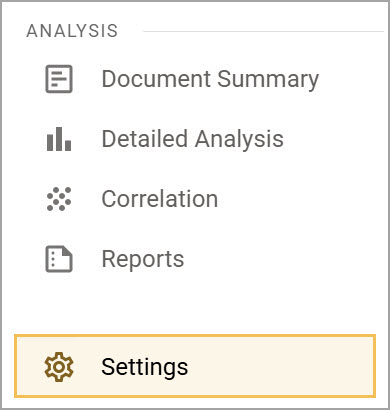
Select Settings () from the main menu.
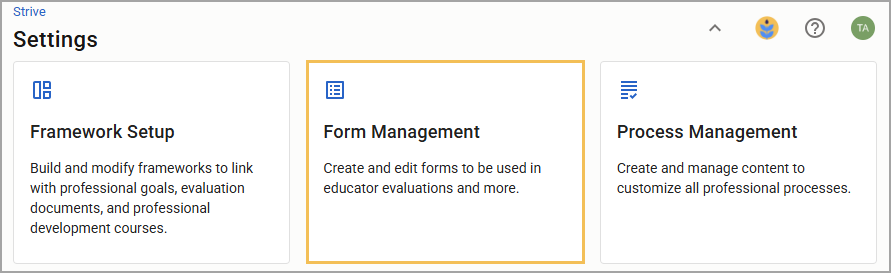
Select Form Management.
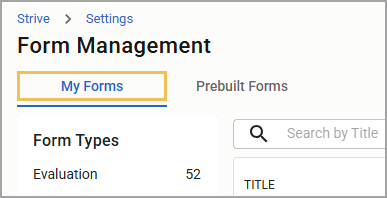
Select the My Forms tab.
Select the desired form under the appropriate form type.
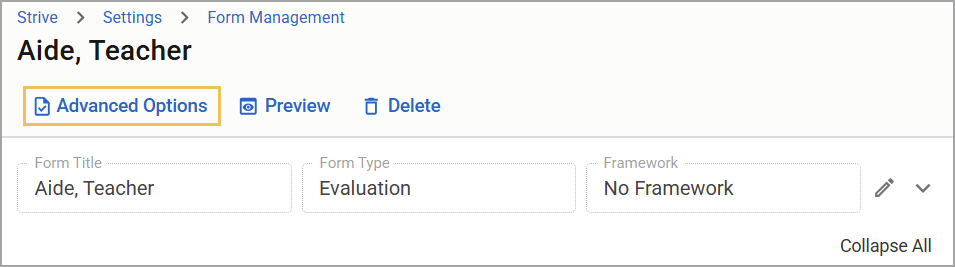
Select Advanced Options ().
Under Sharing & Viewing, select Lock the document so only the document creator, corresponding staff member, and district level individuals may view.
Illustrated Guide
Step 1: Select Settings () from the main menu.
Step 2: Select Form Management.
Step 3: Select the My Forms tab.
Step 4: Select the desired form under the appropriate form type.
.png)
Step 5: Select Advanced Options ().
Step 6: Under Sharing & Viewing, select Lock the document so only the document creator and corresponding staff member may view. Your selection saves automatically and applies to any newly created documents without further action. Learn more about locking and unlocking a document you create for a staff member.
.png)