Quick Guide
Select My Process () in the Evaluation section of the main menu.
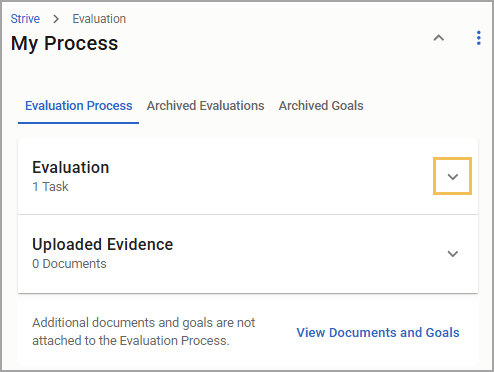
Expand a section to view documents connected to that task.
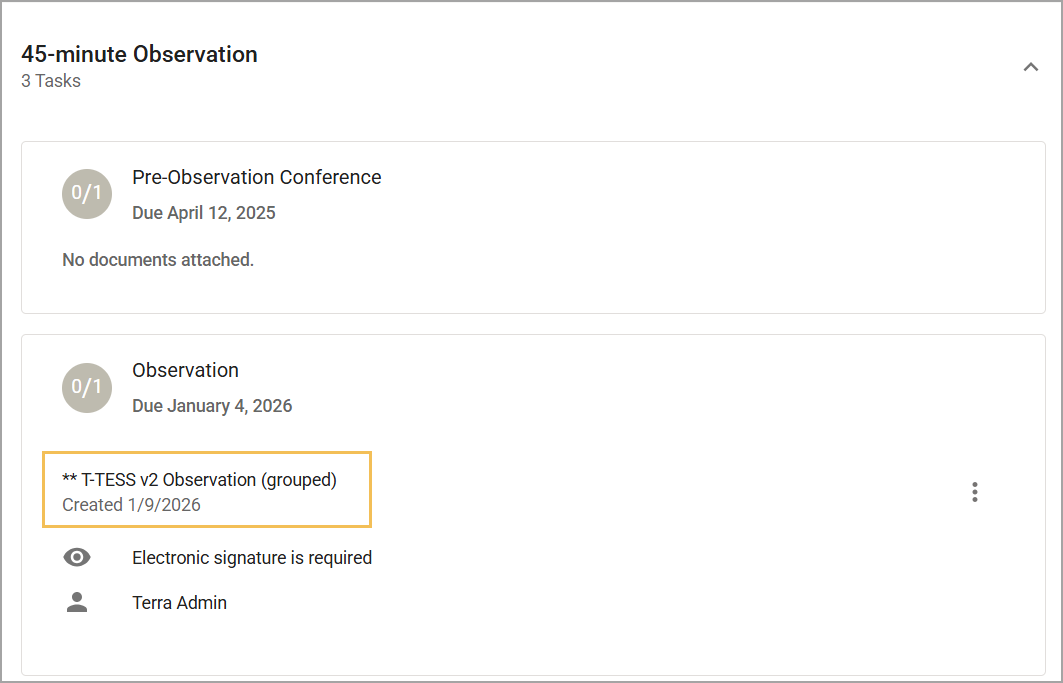
Select the document name to view its contents and access menu options such as Print () or Sign (). You can use the Messages feature inside each document to correspond directly with your evaluator about the evaluation document.
Illustrated Guide
Step 1: Select My Process () in the Evaluation section of the main menu.
.png)
Step 2: Expand a section on the Evaluation Process tab to view documents connected to that task.
Step 3: Select the document name to view its contents and access menu options such as Print () or Sign ().
You can use the Messages feature in each document to correspond directly with your evaluator about the evaluation document.
.png)