Walkthroughs are an important part of the evaluation process, allowing evaluators to gather frequent coaching data to improve teaching practices and identify school-wide trends.
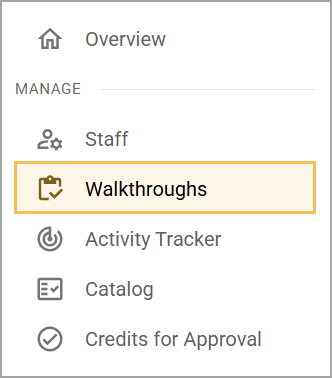
The Walkthroughs screen is accessible from Strive’s navigation menu under Manage.
Walkthroughs Screen
Walkthroughs provides a list of created walkthroughs for a selected school to users with the View Appraisals or View Walkthroughs right. Meanwhile, a walkthrough creator only sees walkthroughs that they have personally created, and users with the Appraise Staff right can only see walkthroughs from staff members they are personally evaluating.
.png)
# | Field | Description |
|---|---|---|
1 | School | Shows the list of schools available to the user based on their assigned rights. Users with access to only one school do not have this filter option. Table results populate based on which school the user has currently selected. |
2 | Date | Defaults to showing walkthroughs created within the previous 30 days. Users can also select any of the following date ranges:
|
3 | Evaluator | Shows a list of evaluators, or those who created the walkthrough document, that a user can select based on their assigned rights. |
4 | Form Template | Shows the titles of all form templates used to create the walkthrough documents. |
5 | Document Status | Shows the current status of each walkthrough document, which users can filter to any of the following:
|
6 | Search by Staff Member | Allows users to filter the list by searching for staff members by name. |
7 | Reset | Resets all filter and search options to their default state. |
8 | Download () | Downloads a CSV file of the table data, based on which filters and search parameters the user has set. |
9 | Walkthrough List | Shows a list of created walkthroughs in the table based on user rights, filter selections, and search results. The table offers the following columns:
|